

















Game Server
L2 World War

Offline


WORLD WAR PVP SCOREBOARD
Loading...
WORLD DOMINATION
Giran: -
Aden: -
Goddard: -
Schuttgart: -
Gludio: -
Rune: -
Innadril: -
Dion: -
Oren: -
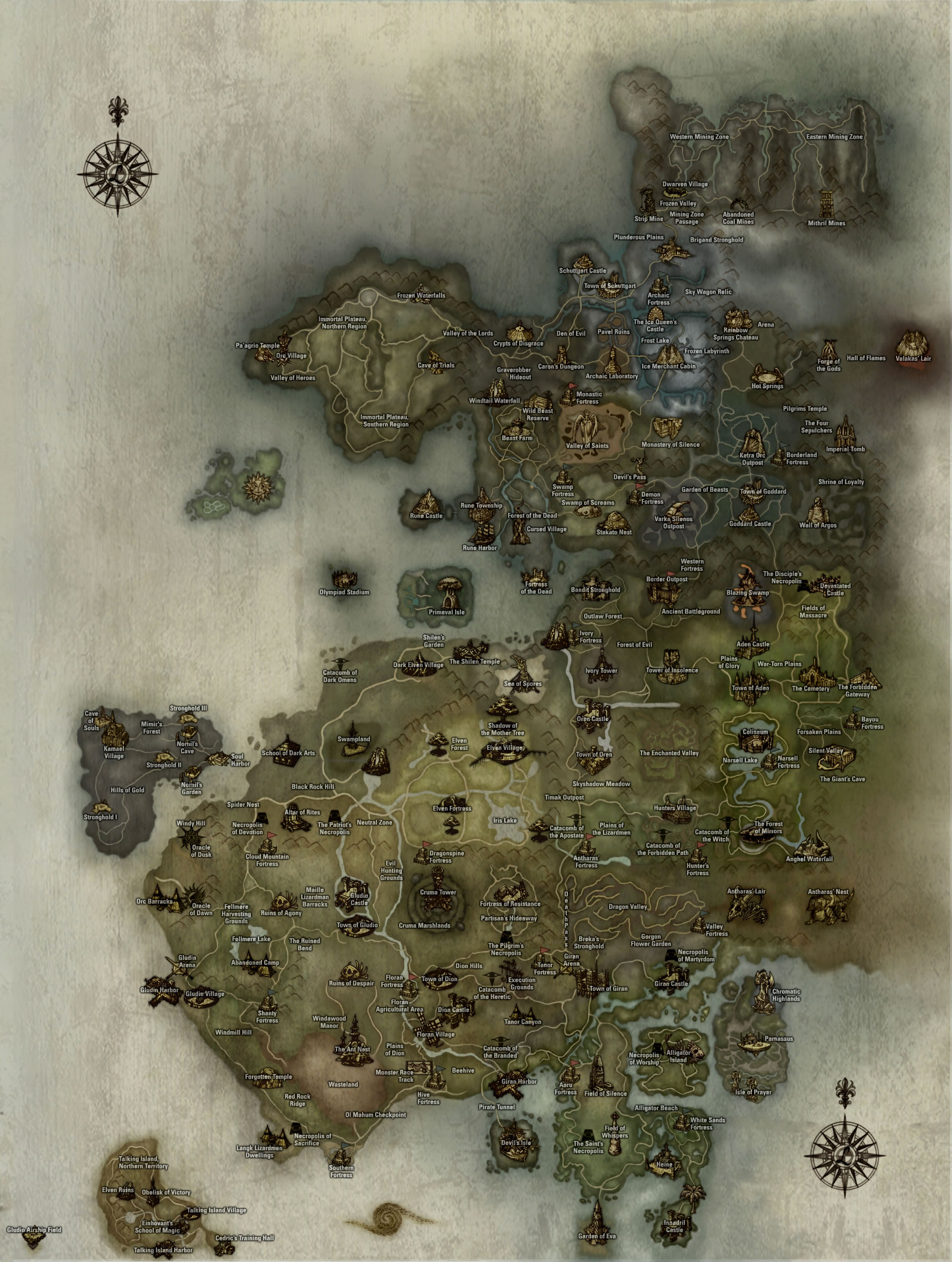
WORLD MAP


STEP 1 — Download the Interlude Client
First, download and extract the Interlude Client files from the following links:
After downloading, right click on the zip file and extract its contents.
STEP 2 — Download the NEW Server Patch
Download the NEW server patch from the links below:
After downloading, follow these steps:
- Extract the patch files and locate the "system" folder.
- Copy the "system" folder into your Interlude Client folder.
- Open the "system" folder and run the L2 app to start the game.
STEP 3 — Account Creation
Create a new account here: Create Account
You can also auto-create it the first time you log in.